HTML color codes
Find a named color or choose your own shade. Copy its HEX or RGB value straight into your CSS.
Choose a custom color
HTML color codes chart
148 of 148 named colors
| Color | HEX | RGB |
|---|---|---|
| aliceblue | ||
| antiquewhite | ||
| aqua | ||
| aquamarine | ||
| azure | ||
| beige | ||
| bisque | ||
| black | ||
| blanchedalmond | ||
| blue | ||
| blueviolet | ||
| brown | ||
| burlywood | ||
| cadetblue | ||
| chartreuse | ||
| chocolate | ||
| coral | ||
| cornflowerblue | ||
| cornsilk | ||
| crimson | ||
| cyan | ||
| darkblue | ||
| darkcyan | ||
| darkgoldenrod | ||
| darkgray | ||
| darkgreen | ||
| darkgrey | ||
| darkkhaki | ||
| darkmagenta | ||
| darkolivegreen | ||
| darkorange | ||
| darkorchid | ||
| darkred | ||
| darksalmon | ||
| darkseagreen | ||
| darkslateblue | ||
| darkslategray | ||
| darkslategrey | ||
| darkturquoise | ||
| darkviolet | ||
| deeppink | ||
| deepskyblue | ||
| dimgray | ||
| dimgrey | ||
| dodgerblue | ||
| firebrick | ||
| floralwhite | ||
| forestgreen | ||
| fuchsia | ||
| gainsboro | ||
| ghostwhite | ||
| gold | ||
| goldenrod | ||
| gray | ||
| green | ||
| greenyellow | ||
| grey | ||
| honeydew | ||
| hotpink | ||
| indianred | ||
| indigo | ||
| ivory | ||
| khaki | ||
| lavender | ||
| lavenderblush | ||
| lawngreen | ||
| lemonchiffon | ||
| lightblue | ||
| lightcoral | ||
| lightcyan | ||
| lightgoldenrodyellow | ||
| lightgray | ||
| lightgreen | ||
| lightgrey | ||
| lightpink | ||
| lightsalmon | ||
| lightseagreen | ||
| lightskyblue | ||
| lightslategray | ||
| lightslategrey | ||
| lightsteelblue | ||
| lightyellow | ||
| lime | ||
| limegreen | ||
| linen | ||
| magenta | ||
| maroon | ||
| mediumaquamarine | ||
| mediumblue | ||
| mediumorchid | ||
| mediumpurple | ||
| mediumseagreen | ||
| mediumslateblue | ||
| mediumspringgreen | ||
| mediumturquoise | ||
| mediumvioletred | ||
| midnightblue | ||
| mintcream | ||
| mistyrose | ||
| moccasin | ||
| navajowhite | ||
| navy | ||
| oldlace | ||
| olive | ||
| olivedrab | ||
| orange | ||
| orangered | ||
| orchid | ||
| palegoldenrod | ||
| palegreen | ||
| paleturquoise | ||
| palevioletred | ||
| papayawhip | ||
| peachpuff | ||
| peru | ||
| pink | ||
| plum | ||
| powderblue | ||
| purple | ||
| rebeccapurple | ||
| red | ||
| rosybrown | ||
| royalblue | ||
| saddlebrown | ||
| salmon | ||
| sandybrown | ||
| seagreen | ||
| seashell | ||
| sienna | ||
| silver | ||
| skyblue | ||
| slateblue | ||
| slategray | ||
| slategrey | ||
| snow | ||
| springgreen | ||
| steelblue | ||
| tan | ||
| teal | ||
| thistle | ||
| tomato | ||
| turquoise | ||
| violet | ||
| wheat | ||
| white | ||
| whitesmoke | ||
| yellow | ||
| yellowgreen |
Select any HEX or RGB code to copy it.
How do you use HTML color codes?
Use HTML color codes as CSS color values for text, backgrounds and borders. Use color for text, background-color for a surface, and border-color for an outline. The three declarations below are separate examples using your selected shade. Copy the declaration you need into a stylesheet; use contrasting colors for text and its background.
For one HTML element, write <p style="color: #065BF6">Colored text</p>. In a reusable stylesheet, put the same declaration inside a class such as .accent { color: #065BF6; }, then add class="accent" to the element. Set a contrasting background separately so the words stay readable.
Do HEX and RGB describe the same color?
HEX and RGB describe the same sRGB color. A six-digit HEX code stores red, green and blue in pairs: #RRGGBB. Each pair runs from 00 to FF, or 0 to 255 in decimal. For example, #FF0000 and rgb(255, 0, 0) both mean red. Letter case does not change the result.
How do short HEX codes and transparency work?
Three-digit HEX doubles each digit: #09F becomes #0099FF. It only works when both digits in every pair match. Eight-digit HEX adds opacity at the end: #FF000080 is approximately half-transparent red. In modern CSS, rgb(255 0 0 / 50%) expresses half opacity directly. This picker produces opaque six-digit sRGB codes.
Named colors and practical limits
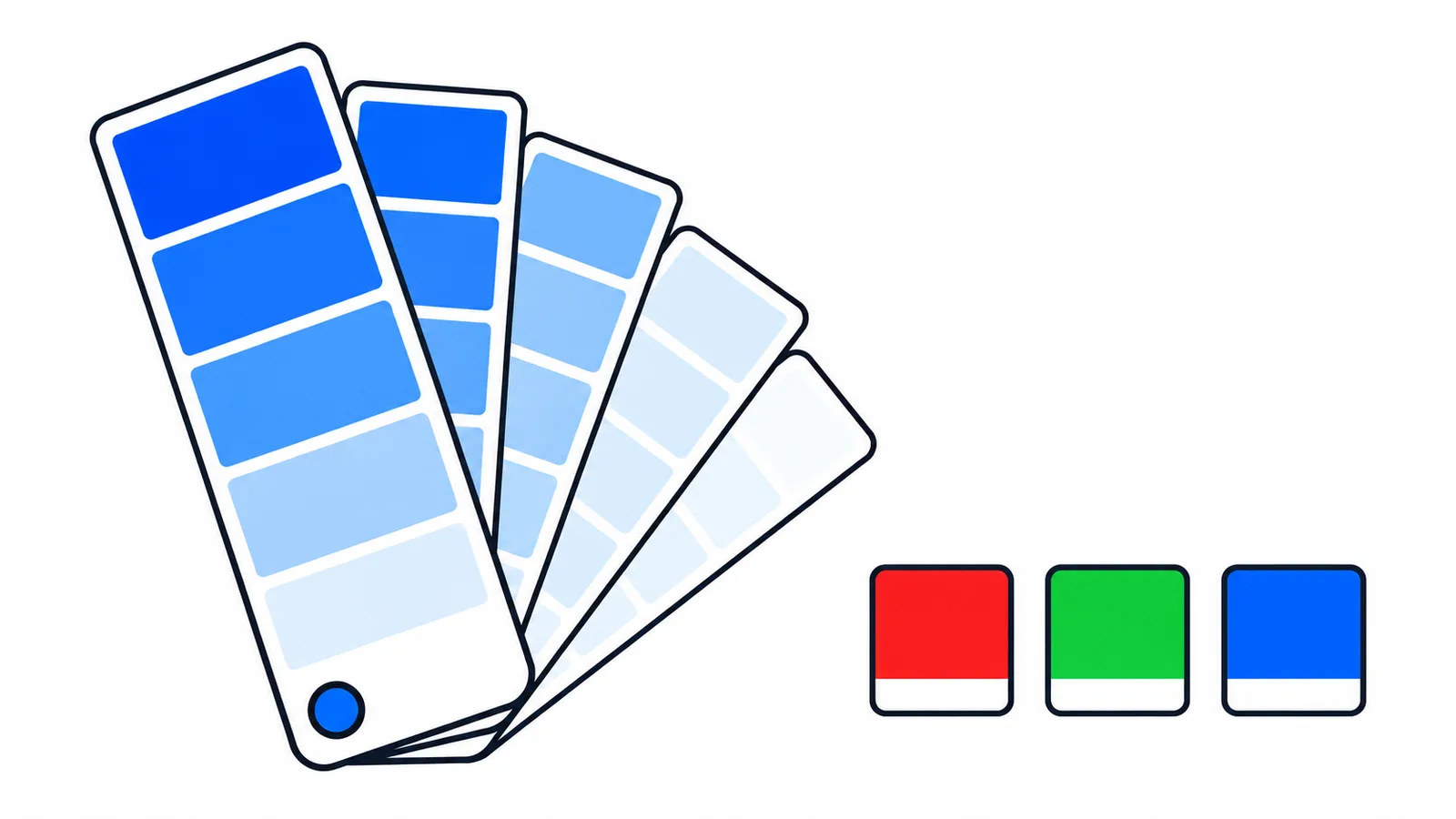
The chart contains all 148 named CSS colors. Some names are aliases: aqua equals cyan, fuchsia equals magenta, and gray/grey spellings share values. rebeccapurple is #663399. The special values transparent and currentColor are not opaque named swatches; the first is fully transparent, and the second uses the element’s computed text color.
HTML color codes do not guarantee readable contrast. A bright shade that looks good in a swatch may disappear as small text on white. Check the foreground against its actual background, and do not use color as the only way to communicate a warning or selection. Displays and image color profiles can also make a screenshot look different from a CSS swatch.
Written by In-Tab Tools. Source: W3C CSS Color Module Level 4, named colors.
